
Can a Password Manager See Your Passwords?
Putting every credential you own into one app raises a fair question. Here's what a password manager can read, what a zero-knowledge design actually prevents, and where the protection stops.
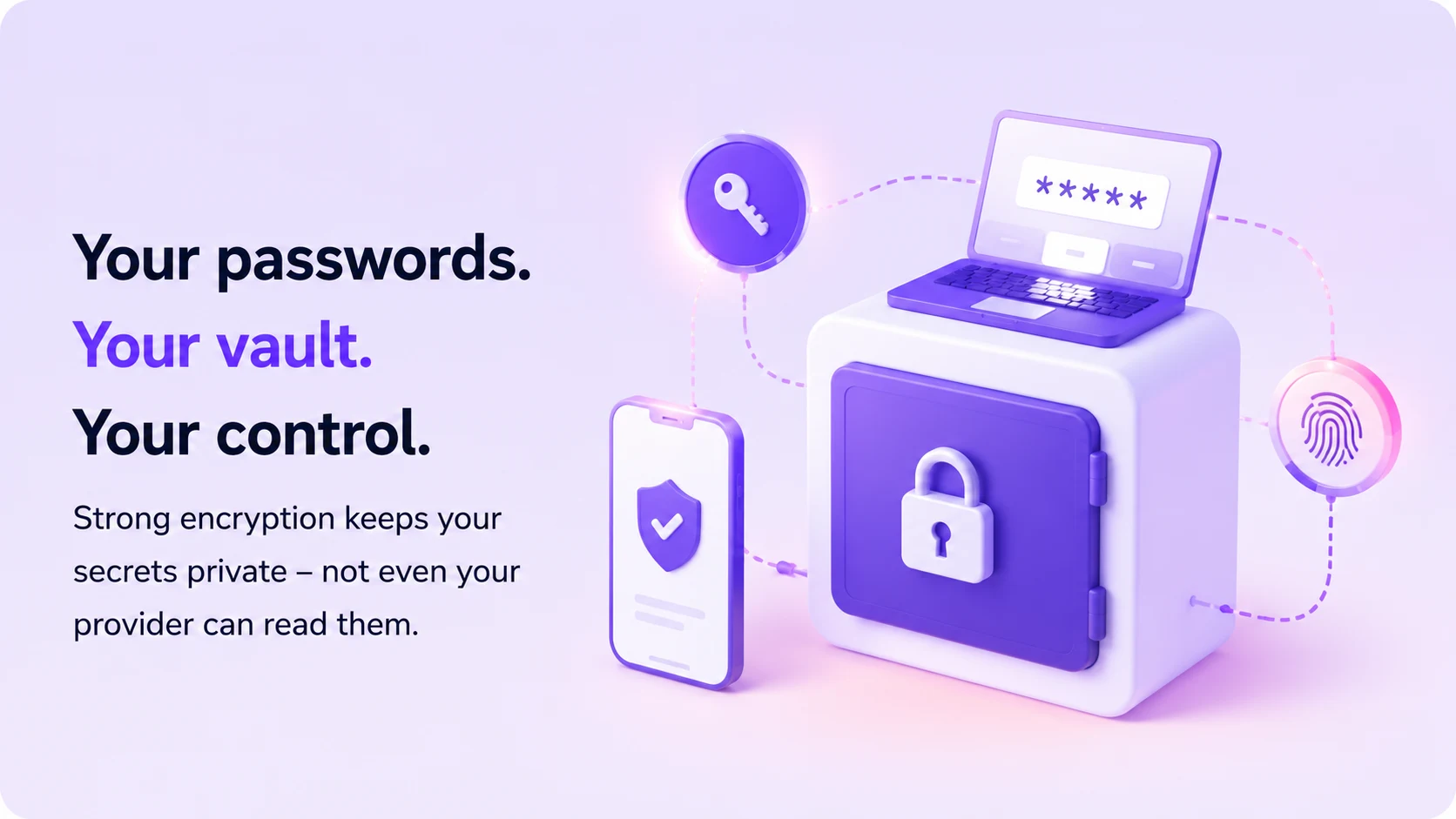
A password manager is supposed to protect your most sensitive login information. But putting all your credentials into one app naturally raises a question: can the company behind your password manager actually see your passwords?
In this guide we break down how a password manager protects your data, what a provider can and cannot see, and what to look for before you trust one with everything you own.
What you'll learn
- What a password manager actually stores
- What zero knowledge means in practice
- Why the master password matters
- Whether employees can read your vault
- What a breach really exposes
- What malware can still reach
The answer depends on how the service is built.
A properly designed password manager can encrypt your vault on your device before anything is sent to the provider. In a zero-knowledge architecture, the provider stores encrypted data but does not hold the keys needed to turn that data back into readable passwords. Bitwarden, for example, documents that vault data is encrypted locally before being sent to its servers and that its servers store encrypted data rather than readable vault contents.
That distinction matters because a password manager should ideally protect you not only from weak passwords, but also from unnecessary provider access.
The short answer
A password manager application needs access to your passwords on your device so it can display or autofill them. But a well-designed zero-knowledge password manager should prevent the service provider itself from reading your vault.
The basic idea looks like this: your device encrypts the vault, and the encrypted data is stored remotely. When you unlock it, the encrypted vault comes back to your device, is decrypted locally, and the password becomes available to you.
The important question is who controls the decryption key. If that key is derived or stored under the user's control, the company operating the service should not be able to independently decrypt the vault.
- Your device You add or update a password
- Encrypt on device Your vault is encrypted locally
- Encrypted data Only ciphertext is sent onward
- Provider server Stores the encrypted vault
- Unlock on device Decryption happens back with you
The provider never receives your master password, or the key needed to decrypt your vault.
What does a password manager actually store?
Password managers can store far more than website passwords. Depending on the product, a vault may contain:
- Usernames and passwords
- Passkeys
- Secure notes
- Recovery codes
- Payment cards
- Wi-Fi credentials
- Two-factor authentication secrets
The privacy question is not simply whether the company stores this information. The more useful question is: does the provider store it in readable form, or only as encrypted data?
If a password such as ExamplePassword123! is stored directly in plaintext, anyone with sufficient access to that database could potentially read it.
With strong client-side encryption, that same password is transformed into ciphertext before leaving the device. Without the correct key, the stored data should be unreadable.
What does zero knowledge mean?
In password management, zero knowledge generally describes a design where the provider cannot decrypt the contents of your vault. The encryption happens locally, and the secrets required for decryption remain under the user's control.
Bitwarden describes its zero-knowledge model as one in which users hold the keys required to decrypt vault data, while the provider stores encrypted information.
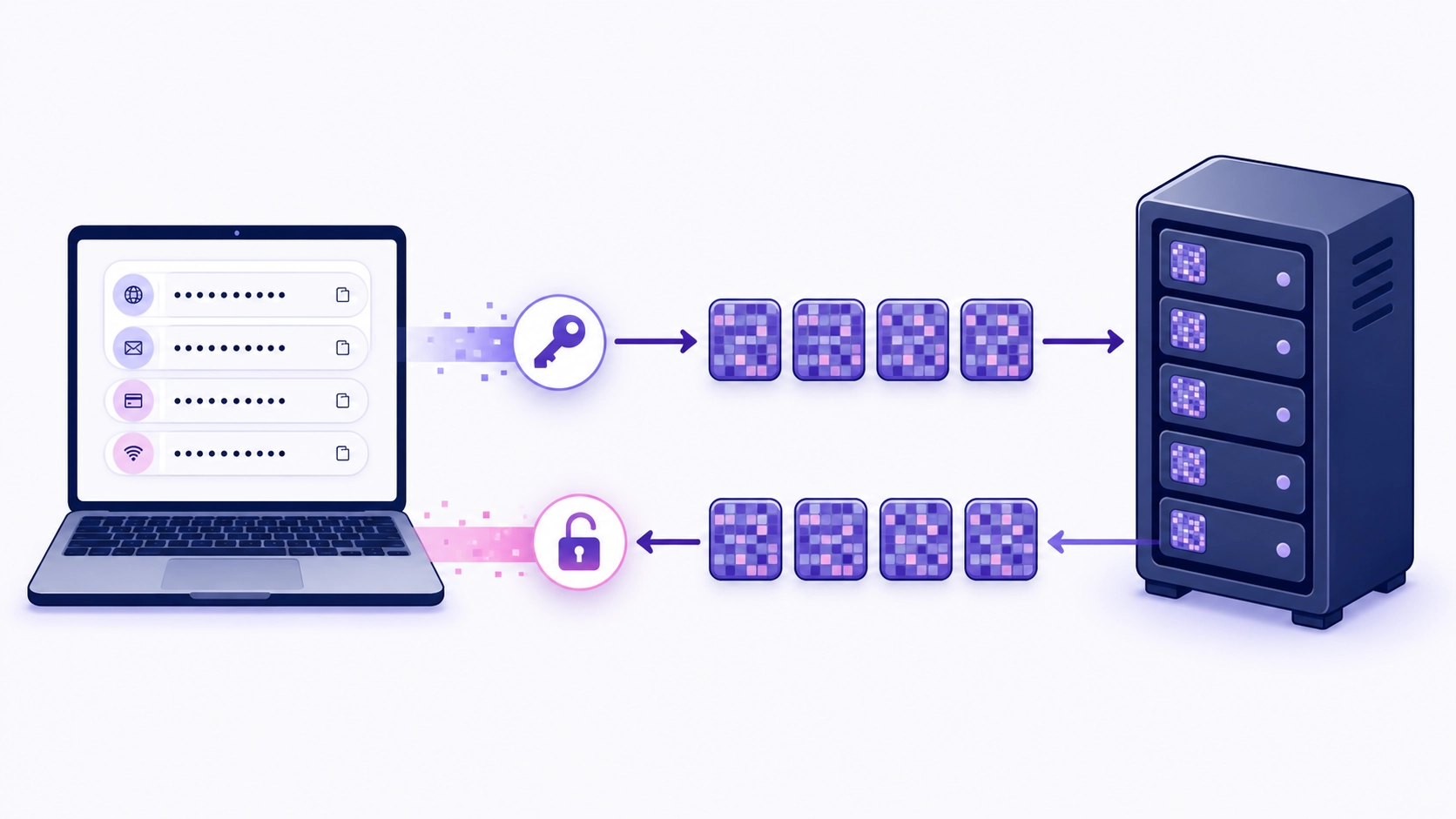
This creates an important separation. You can read your passwords. The provider stores your encrypted vault. The provider should not be able to independently turn that encrypted vault back into readable credentials.
That is stronger than a system that simply promises employees will not look at your passwords. The architecture itself limits access.
Why the master password matters
Many password managers use a master password as part of the process for unlocking the vault. A privacy-focused implementation should avoid sending the readable master password to the provider for storage. Instead, it may be used locally to derive cryptographic keys.
This creates a trade-off. If the company genuinely does not know your master password or possess your decryption key, it may also be unable to recover your vault if you lose that password.
Bitwarden explicitly states that, because of its zero-knowledge design, it cannot retrieve or reset a forgotten master password in the conventional sense.
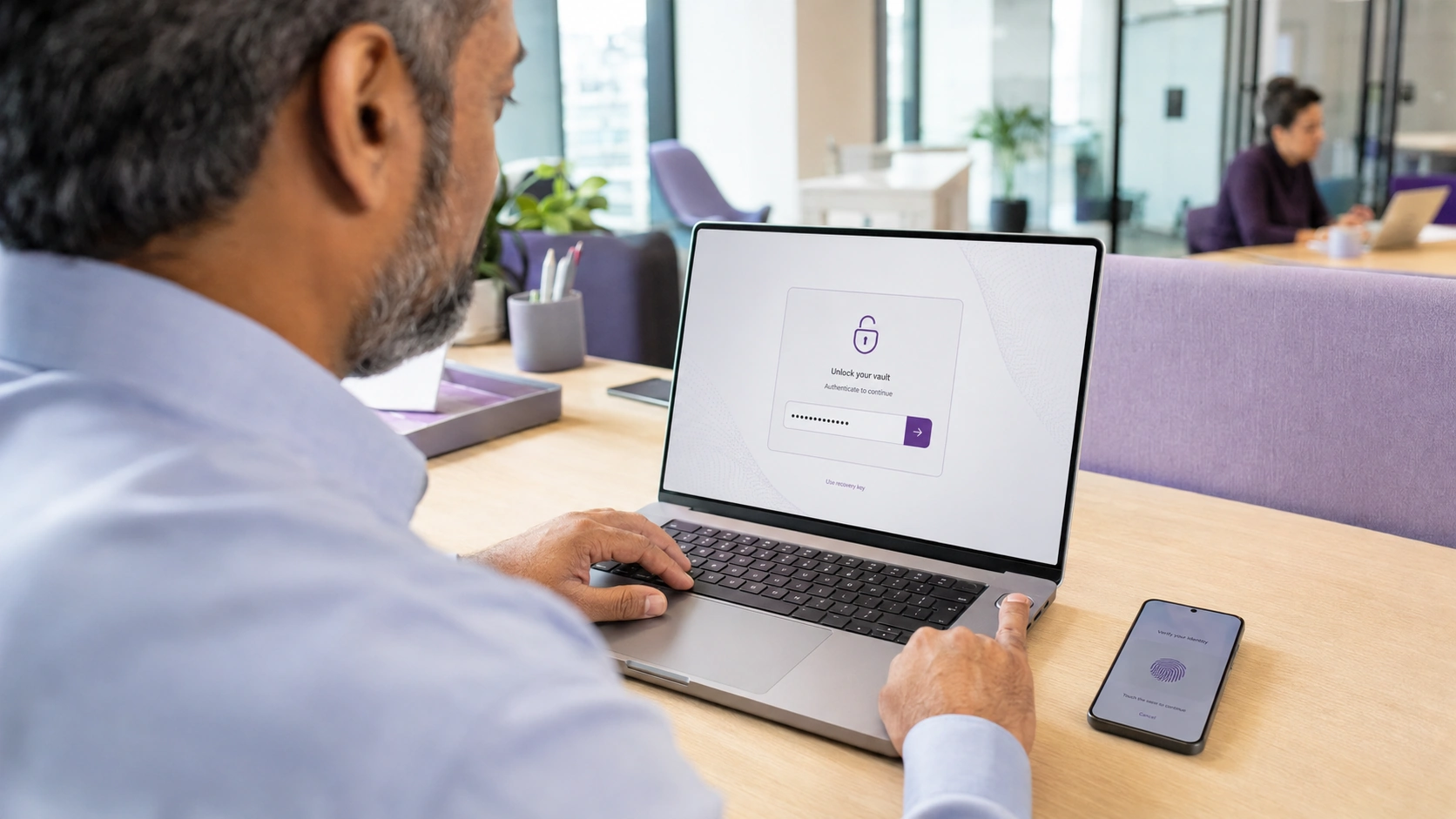
That inconvenience is connected to the privacy model. If a provider can always recover your secret, it is worth understanding exactly how that recovery process works and who ultimately controls the keys.
Can employees at the company see your passwords?
With a properly implemented zero-knowledge system, employees should not have the technical ability to browse individual customer vaults. The servers may hold encrypted vault data, but not the information required to decrypt it.
Still, encryption does not mean the provider knows absolutely nothing about you. A service may still process account metadata such as:
- Email address
- Subscription information
- Device details
- Login timestamps
- IP addresses
- Billing records
- Support requests
Vault privacy and account metadata are separate privacy layers. A provider may be unable to read your passwords while still processing information necessary to operate the service.
What happens if a password manager is breached?
One common fear is that a password-manager breach automatically exposes every password in every user's vault. That is not necessarily true.
If an attacker steals only strongly encrypted vault data, they still need to overcome the encryption. The practical security of the vault then depends on things such as:
- Strength of the user's master password
- Key-derivation method
- Encryption design
- What information was stolen
- Whether the user's device was also compromised
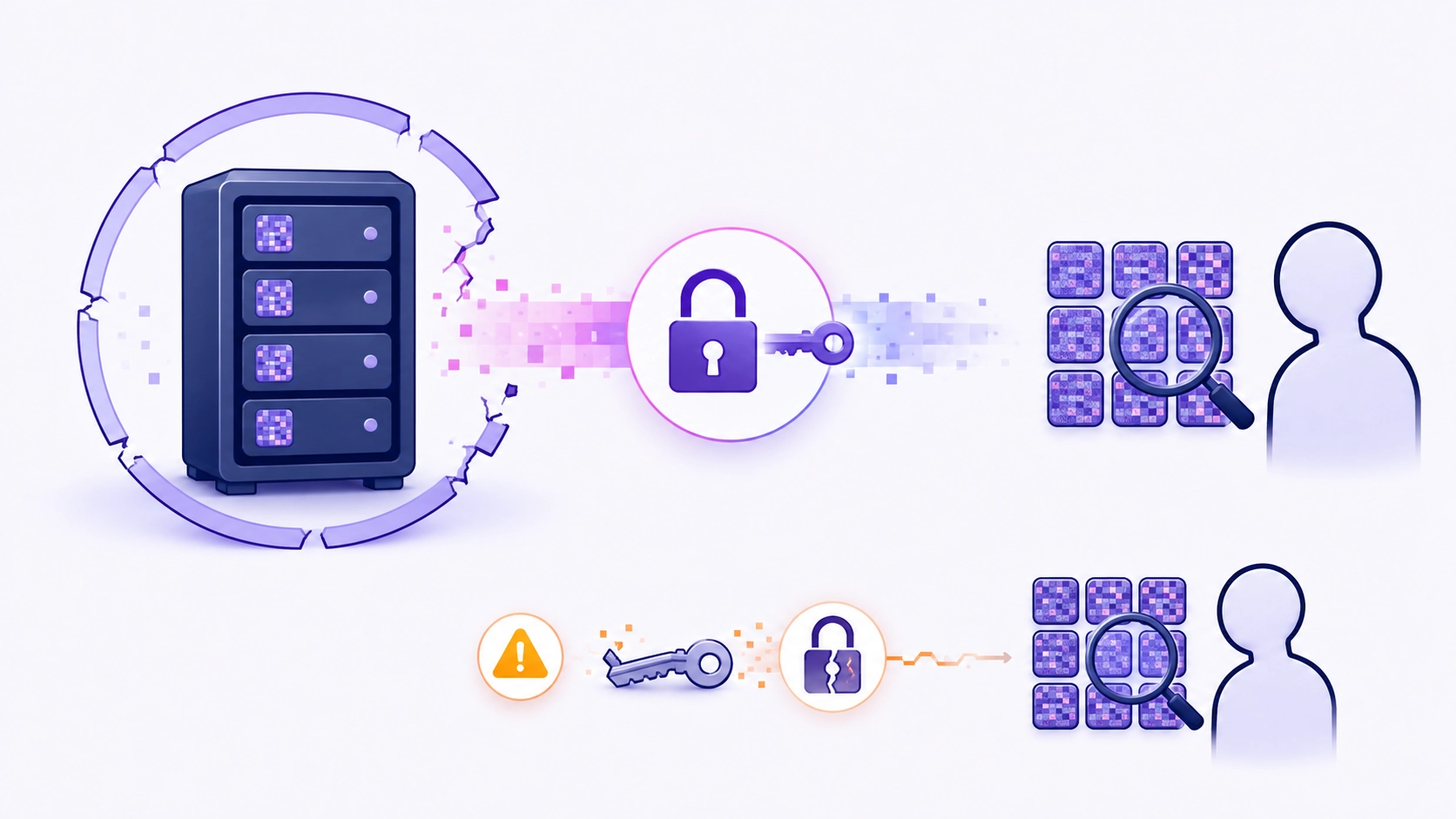
Strong encryption makes a stolen vault much less useful to an attacker. But encrypted does not mean impossible to attack. A weak master password may still be vulnerable to offline guessing attempts, and malware running on an unlocked device can create a completely different risk.
Can malware read passwords from an unlocked vault?
Potentially, yes.
Zero-knowledge architecture protects your vault from unnecessary provider access and can reduce damage from a server-side breach. It cannot automatically protect a device that is already compromised.
If malware gains deep access to your computer while your password manager is unlocked, it may attempt to:
- Capture keyboard input
- Read clipboard contents
- Steal session information
- Manipulate browser pages
- Capture screenshots
- Access data temporarily held in memory
That is why password-manager security still depends on basic device security. Keep your operating system updated, use strong device authentication, avoid suspicious software and enable multifactor authentication where possible.
What should you look for in a password manager?
A useful privacy checklist is:
- Client-side encryption. Sensitive information should ideally be encrypted before it reaches the provider's servers.
- Zero-knowledge architecture. The provider should clearly explain whether it can decrypt your vault.
- Strong key derivation. The system should make password guessing computationally expensive.
- Secure recovery. Understand exactly what happens if you forget your master password.
- Multifactor authentication. This adds another barrier if someone obtains your login credentials.
- Secure exports. An unencrypted exported vault can undermine an otherwise secure password manager.
- Transparent technical documentation. Good providers should explain how their security model actually works rather than relying only on slogans.
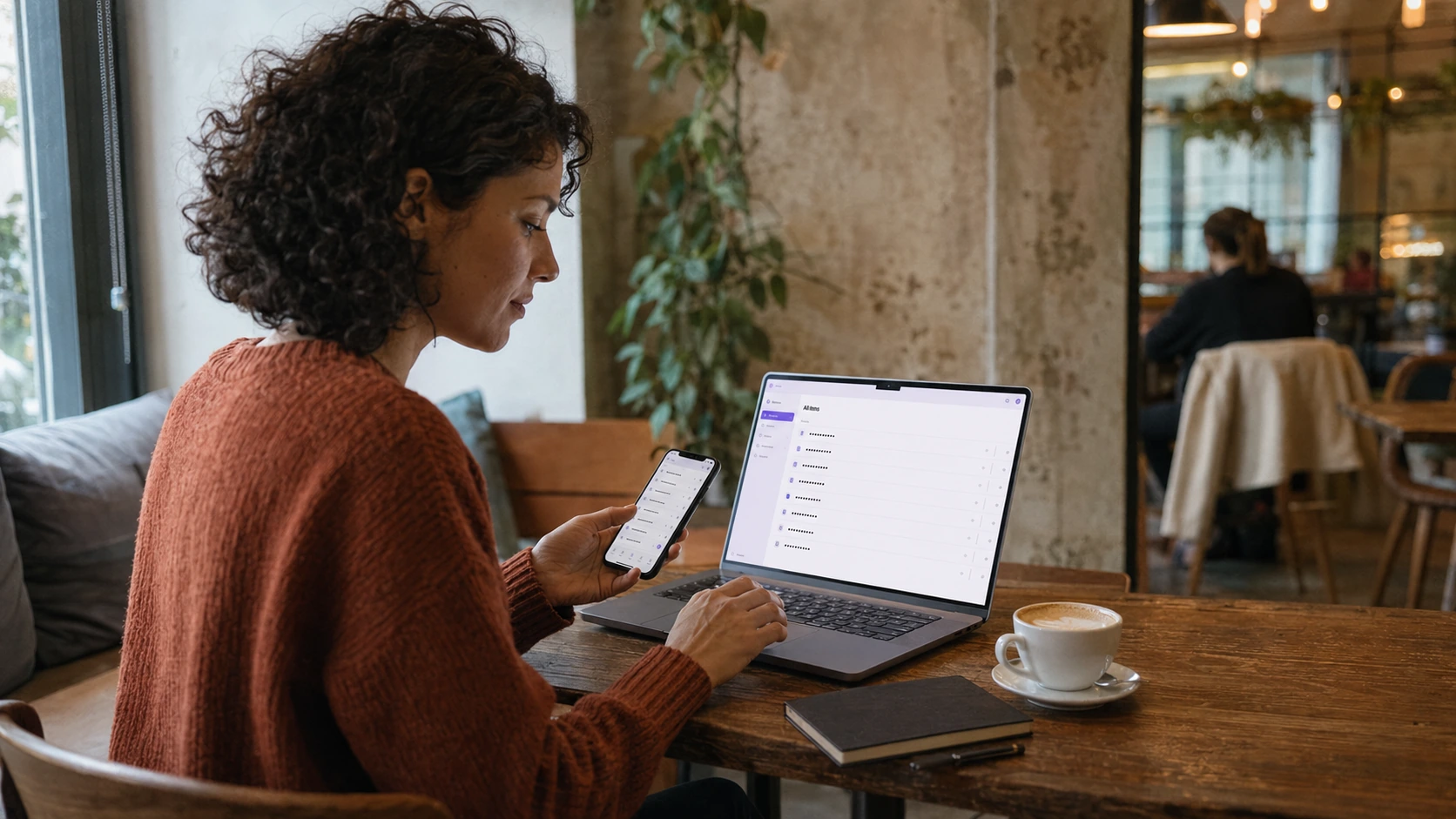
Google Password Manager, for example, states that saved passwords and passkeys are protected with encryption and offers on-device encryption options, illustrating how credential managers can use different security architectures.
How Senton Pass is being designed
Senton Pass is part of Senton's planned privacy ecosystem and is being designed around a simple idea: the provider should not need access to the secrets stored inside your vault.
The planned product uses client-side encryption, meaning the vault is encrypted on the user's device before encrypted data is synchronized. The master password is intended to derive the vault key locally on the device. Under this model, Senton receives encrypted ciphertext rather than readable passwords.
Senton Pass is planned to support:
- Passwords
- Payment cards
- Secure notes
- Built-in 2FA codes
It is also planned to work both offline and with encrypted synchronization across devices, with browser extensions for autofill and password generation.

Because the product is still upcoming, final implementation details may change before launch. The final architecture, cryptographic design and security documentation should be published once the product reaches release.
The important principle is already clear: a privacy-first password manager should minimise whether the provider can access user secrets in the first place.
Final answer
So, can a password manager see your passwords?
The application on your device needs temporary access to decrypted credentials so it can display or autofill them. But a properly designed zero-knowledge password manager should prevent the provider's servers and employees from independently reading the contents of your vault.
The strongest systems rely on:
- Local encryption
- User-controlled decryption
- Strong key derivation
- Clear recovery rules
- Secure vault handling
- Transparent technical documentation
A password manager should not simply ask you to trust that your passwords are safe. It should be designed so that unnecessary access to those passwords is technically restricted.
- Encrypted vault data
- Account email and billing
- Device and login records
- Not the decryption key
- The master password you type
- Keys derived locally from it
- Decrypted entries, while unlocked
- Everything needed to read the vault
- 1Your deviceMaster password and derived keys
- 2EncryptionVault turned to ciphertext locally
- 3ProviderEncrypted data, no keys
- 4UnlockDecryption happens on your device again
Frequently asked questions
With a properly implemented zero-knowledge architecture, company employees should not have the decryption keys required to read your vault. The exact answer depends on the provider's technical design.
That depends on the recovery model. In some zero-knowledge systems, the provider cannot recover the original master password because it never possessed it. Recovery may instead rely on trusted devices, recovery keys or other mechanisms.
Not automatically. If vault data is strongly encrypted, an attacker still needs to decrypt it. The strength of your master password, key derivation and device security all remain important.
Senton Pass is not yet available. Its planned design uses client-side encryption and local key derivation so the service receives encrypted vault data rather than readable credentials. Final technical claims should be confirmed in Senton's published security documentation before launch.