
What Is a Passkey, and Can Someone Steal It?
A passkey replaces your password with a key your device keeps to itself. Here is what it is, why it cannot be handed to a fake login page, and the places it still leaves a gap.
Passwords have one weakness that no amount of length or punctuation fixes. You can be talked into typing one into the wrong box. A passkey is built to make that impossible, by never giving you anything you could type in the first place.
In this guide we explain what a passkey actually is, how signing in with one works, and the honest part most explanations skip: whether someone can steal it, and what happens to your accounts if the phone holding it ends up at the bottom of a lake.
What you'll learn
- What a passkey is, in plain terms
- Why it cannot be used on a fake site
- Whether a passkey can actually be stolen
- What happens if you lose the device
- How synced and device-bound passkeys differ
- Where passkeys still leave a gap
There is one flaw in a password that cannot be overcome by length or punctuation. A password can be typed into the wrong box.
All the other aspects of password security try to cope with that flaw. Password managers prevent reuse of passwords. Two factor codes ensure that a stolen password is not all that is required. A passkey, however, does not provide anything that can be typed. There is nothing to hand over.
The short answer
A passkey is two cryptographic keys. Both keys are generated on the user's device. One of them, the private key, stays there. The other, the public key, is given to the website.
At the time of authentication the website provides a one time challenge to your device. Your device uses the private key to solve that challenge and returns the solution. The private key itself is never transmitted. The W3C Web Authentication standard that specifies the authentication process in browsers states that the private key must not be exposed to any other party.
This is a very secure setup, but the detail that is often not mentioned is that the key does not have to be stolen either. Instead it can be bypassed. We get to that later.
What is a passkey?
According to the FIDO Alliance, which created the standard, a passkey is a secret that is stored on a user's devices and can be unlocked in the same way as unlocking the device itself: face, PIN, pattern or fingerprint.
This detail is more important than it may at first seem. No new secret is being created here. Instead a gesture that is already performed fifty times a day is being reused. The actual cryptographic work is taken care of by the device itself.
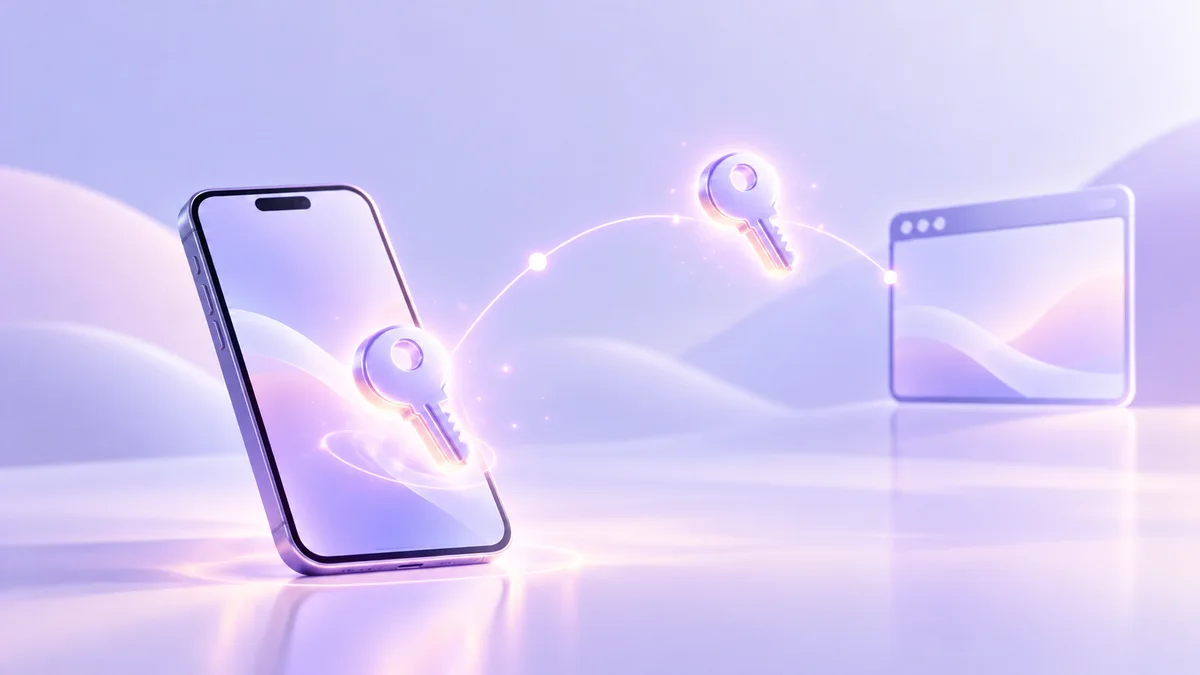
Three things are true of every passkey:
- It is associated with one website and can only be used there. A passkey for a bank would not be usable anywhere else.
- The private key is never given to the website. Google's developer documentation states clearly that only the public key is stored by the site, and even then this is not useful to an attacker.
- There is nothing to remember and nothing to type. And that means there is nothing to phish.
How signing in with a passkey works
Authentication takes around a second. Under the hood there are five steps to it.
- The site asks It sends a fresh one-time challenge
- Your device checks Is this really the site this key belongs to
- You approve Fingerprint, face or device PIN
- Your device signs The private key never leaves to do it
- The site verifies It checks the signature with the public key
Notice the lack of something. There is no secret transferred from you to the website. Instead the site provides a challenge and your device provides a signature to that challenge. The signature is useless to anyone who intercepts it because a new challenge is used on the next authentication.
Why a passkey cannot be phished
This is where the time should be taken, because this is what passkeys are designed to do.
When a passkey is created on your device it is created in association with one specific website. This is known as scoping the credential to a relying party. In practice there is information stored with the credential that identifies the site it is associated with, and before a signature can be provided that information is checked.
So when a convincing replica of your bank presents itself and asks for authentication, your device does not check logos or even the spelling of the address. Instead it compares the address with the information stored with the passkey. As these do not match, your device will not provide a signature. There is no option to proceed, because the decision is made outside the part of the interface that can be argued with.
The address matches the one stored in the key, so the device signs and you are in.
One letter different is enough. The device finds no key for this address and has nothing to offer.
A password cannot work like this. A password has no knowledge of which website it belongs to and can therefore be used anywhere it is provided.
So can someone steal a passkey?
Extraction of the private key from your device is very difficult. It is stored in the secure storage area of your phone or laptop, and the operating system will not provide it.
However a lock is only as strong as the door it is protecting. And there are three doors in this scenario.
A passkey can increase the security of a front door. It has no effect on the windows. Until a website turns off its weaker paths to account recovery, the security of the account is decided by the weakest of those paths, and that is not usually the passkey.
What happens if you lose your phone?
The question that deters most people from using passkeys is answered by what kind of passkey they have.
With a synced passkey the loss of a device is a nuisance but not a problem. When signing in to a new device with the same platform account the keys will be available. Apple states that passkeys can be recovered even if all of your devices are lost, through a keychain held encrypted in escrow.
The detail of the recovery process is useful because it provides a visible illustration of the actual security boundary. Apple describes three things that are needed together: your iCloud account credentials, a text message to a registered phone number, and your device passcode. After ten failed attempts the escrowed record is destroyed.
Look at that again and the risk becomes clear. The problem is not the cryptography but the text message.
Synced passkeys and device-bound passkeys
The FIDO Alliance has two types of passkey and the difference between them decides what losing a device costs you.
- Lives
- On every device you sign in to
- Backed up
- Yes, by your platform account
- Lose the phone
- Keys return on the next device
- Weak spot
- That platform account
- Lives
- On one device, or a security key
- Backed up
- No, by design
- Lose the phone
- That key is gone for good
- Weak spot
- Having only one copy
The passkeys that most people come across in everyday life are synced passkeys. Device bound passkeys are typically used on hardware security keys, and in organisations that want a key which cannot be copied off the device it sits on.
Passkeys can also be borrowed from a nearby device. Use your phone to scan the code displayed on a laptop, approve it on the phone, and you are signed in on the laptop without the passkey transferring over. The FIDO Alliance calls this cross device authentication and specifies that Bluetooth is used to determine proximity between the two devices but is not used for security.
Passkey vs password
Side by side, these are not simply one being stronger than the other. They are different things.
A password is something that you know and as such can be guessed, written down, reused, or repeated to another person who asks nicely. A passkey is something that your device holds and uses on your behalf. It can be lost along with a device but cannot be talked out of you.
This has real implications. A lot of password advice is no longer relevant. No rotation policy. No length requirement. No characters to add. Using the same sign-in method across all services is safe because each passkey is linked to a specific service.
How to set up a passkey
The text can differ between services but the pattern is consistent.
Four steps, and the entire thing should take under a minute.
- 1 Sign in the usual way first A new way into an account can only be added once you are already inside it.
- 2 Find the security settings Look for passkeys, security, or sign-in options.
- 3 Choose where it is stored Your platform keychain, or a password manager. Passkeys can be kept in a third-party password manager on Android 14 and later, and Google documents this directly.
- 4 Approve with your usual unlock PIN, face or fingerprint. The key is created on the spot and the site keeps only the public half.
One thing that is often overlooked is to go back and look for the other paths into that account once a passkey is in use. A passkey sitting beside an unchanged password and a text message reset does not close very much.
Passkey management, and how to delete one
Passkeys can accumulate without being noticed. A new work laptop, a new phone, a security key used once and put away in a drawer. After a year you no longer know what passkeys exist or where they are stored.
Good passkey management consists mostly of checking two places, because a passkey has two ends:
- At the website. Its account settings list the keys it will accept. Delete the ones belonging to devices you no longer have.
- On your device. The passkey can be found in your password manager or device keychain. Remove it from this location as well.
If only one of these locations has the passkey removed a stale passkey can remain. This may be a passkey currently trusted by the service for a device that has been sold or a passkey provided by your device that is no longer trusted by the service.
Where Senton Pass fits
We are planning a password and identity manager called Senton Pass. It is not yet live so rather than telling what it does we will explain what it is meant to do.
We would like to implement the design mentioned above. Your data is encrypted on your own device with the encryption keys also generated on the device. We can then receive encrypted data rather than credentials. We would also like to store passkeys in the same way so that control of these passkeys resides with you and not with us. Furthermore the control is not tied to a single account on a platform.
We would like to be completely open about this now and commit to it at launch rather than describing a feature that is not currently possible to test. At launch technical information will be available and can be compared to this paragraph.
Final answer
A passkey is a key generated by your device for a specific service. The key is stored on your device and used on your behalf for that service. Passkeys are not guessable, cannot be handed to a particularly convincing attacker and cannot be reused. A service is verified by your device prior to any signing.
Can passkeys be stolen? Not very easily and not often via an attack on the passkey itself. An attacker would attempt an unlocked device carried in your pocket, the platform account where your passkeys are synced or a password recovery option that has not been fully disabled by the service.
This makes the recommended advice somewhat boring in light of the technology available. Enable passkeys as they do improve the front door. Look back for the other attack vectors into that account as the next attack is likely to use one of these.
- A secret you know and type
- The site stores something derived from it
- Can be reused across sites
- Can be typed into a fake page
- A key your device holds and uses
- The site stores only the public half
- Unique to one site, always
- Refuses to sign for the wrong site
- 1The site asksSends a fresh one-time challenge
- 2Your device checksIs this really the site the key belongs to
- 3You approveFingerprint, face or device PIN
- 4Your device signsPrivate key never leaves to do it
- 5The site verifiesChecks the signature with the public key
Frequently asked questions
It is a key your device creates for one website and keeps to itself. Instead of you typing a secret the site already knows, your device proves it holds the matching key. You approve it with your fingerprint, face or device PIN, the same way you unlock the device.
For the sign-in step, yes, in one specific and important way. There is no secret for you to type, reuse across sites, or hand to a convincing fake login page. A password can be guessed, reused or phished. A passkey cannot be any of those things, because the private half never leaves your device.
Not in the way passwords are. There is no shared secret sitting in the site's database to steal, and a copied public key is of no use on its own. The practical attacks are not on the key itself. They target your unlocked device, the cloud account your passkeys sync through, or the account recovery route the website still offers.
They solve a different problem. A code sent by SMS or generated by an app can still be read out to someone on the phone pretending to be your bank. A passkey cannot be repeated to anyone, because the signature only works for the real site. Many services now treat a passkey as both the password and the second factor.
It depends on the type. A synced passkey is backed up by your platform account and comes back when you sign in on a new device. Apple's documentation says passkeys are recoverable even if you lose all your devices, through an encrypted escrow, and that recovery asks for your iCloud credentials, an SMS code and your device passcode. A device-bound passkey is different: it never leaves the device it was made on, so losing that device means losing that key and using the site's own recovery instead.
A synced passkey appears on every device signed in to the same platform account. You can also use a passkey from your phone to sign in on a nearby laptop that does not hold it, by scanning a code on screen and approving on the phone. The FIDO Alliance calls this cross-device authentication, and it uses Bluetooth to check the two devices are genuinely near each other.
In two places, and both matter. Remove it from the website or app account settings, where it is usually listed under sign-in or security. Then remove the stored key from wherever your device keeps it, such as the platform password manager or a third-party one. Deleting it in only one place leaves a stale entry behind.